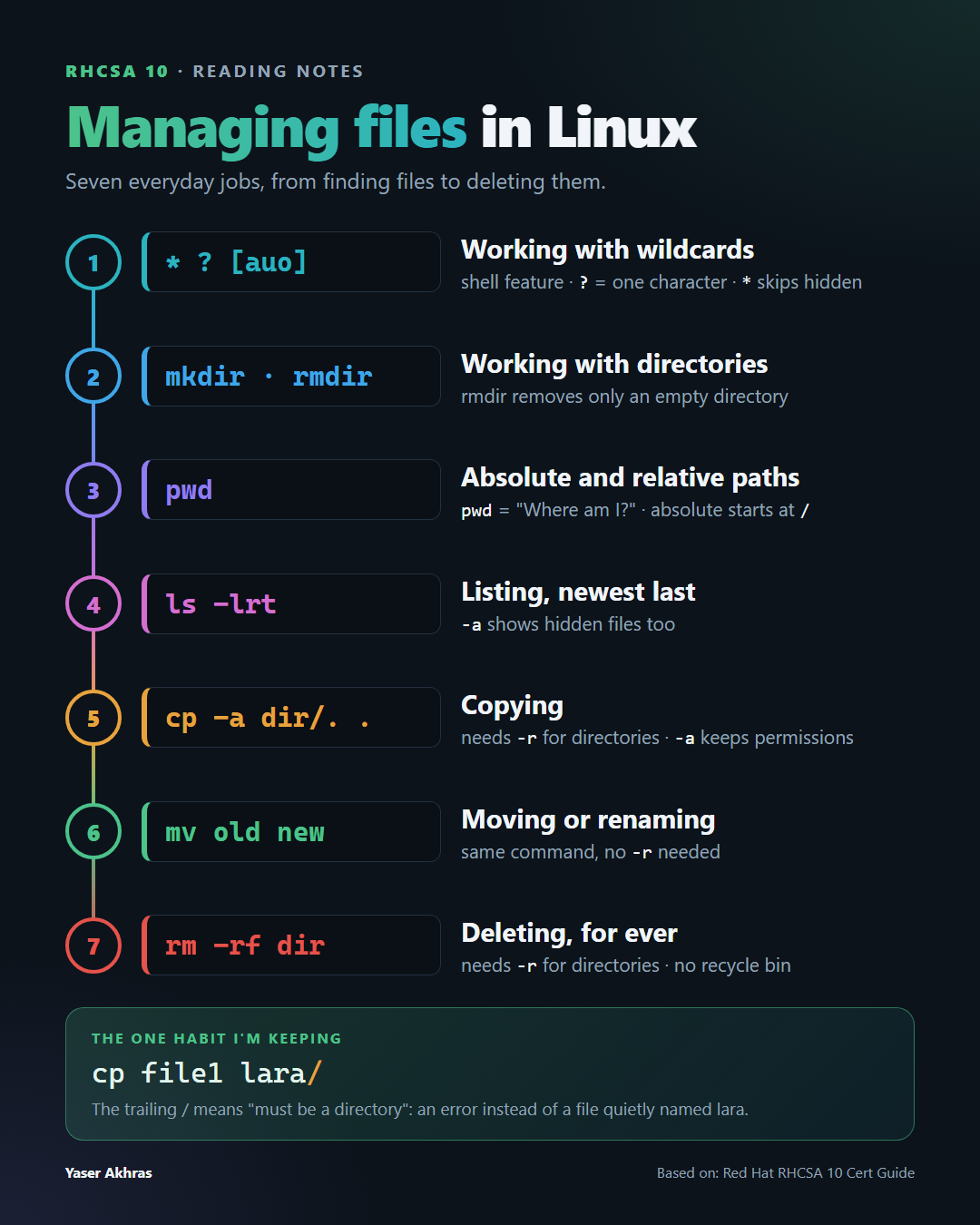
The everyday file jobs on Linux: listing, creating, copying, moving and removing files and folders, using wildcards and absolute and relative paths, and other topics that I stand on during my journey while preparing for the RHCSA exam.
I’m working through Chapter 3 of the Red Hat RHCSA 10 Cert Guide, the section “Managing Files”. While reading I wrote my questions in the margins. This blog keeps those questions, the answers I found, and real output for every command, so I can come back to it.
As an administrator, these are the common file management tasks you need:
Listing files and directories
Creating files and directories
Copying files and directories
Moving files and directories
Removing files and directories
Working with wildcards
Working with absolute and relative pathnames
The last topic, the wrap-up, puts together the -r rule and a cheat sheet of everything.
All the examples ran in a practice folder (/tmp/lab) in Bash, with GNU coreutils. The topics build on each other: the files created in one topic are used in the next.
The three ls options I use the most: -l, -a and -lrt, which puts the newest file right above your prompt.
Topic 2: Creating files and directories
The basic commands to move around and create things: pwd, cd, mkdir and touch.
Topic 3: Copying files and directories
The cp trap where a missing directory becomes a file, the trailing / that fixes it, copying directories with -r and -a, and the one dot that copies only the content.
Topic 4: Moving files and directories
mv moves and renames with the same command, moves a whole directory without -r, and is instant on the same filesystem.
Topic 5: Removing files and directories
rmdir for empty directories, rm for files, rm -r for directories with their content, why rm -rf is for ever, and the rm -i safety net for root on RHEL 10.
Topic 6: Working with wildcards
What a wildcard is, the three basic ones (*, ? and [ ]), the extra forms of the brackets, and why the shell, not the command, reads the *.
Topic 7: Working with absolute and relative pathnames
Where am I? Absolute paths that work from everywhere, relative paths that depend on where you are, and .. to reach a folder next to you.
Wrap-up: the -r rule and a cheat sheet
Which commands need -r for a directory and which don’t, and a cheat sheet of every command in this tutorial.